
Solar development, without the spreadsheets.
One platform to find sites, check grid and planning, design layouts, draft the paperwork and manage your pipeline.
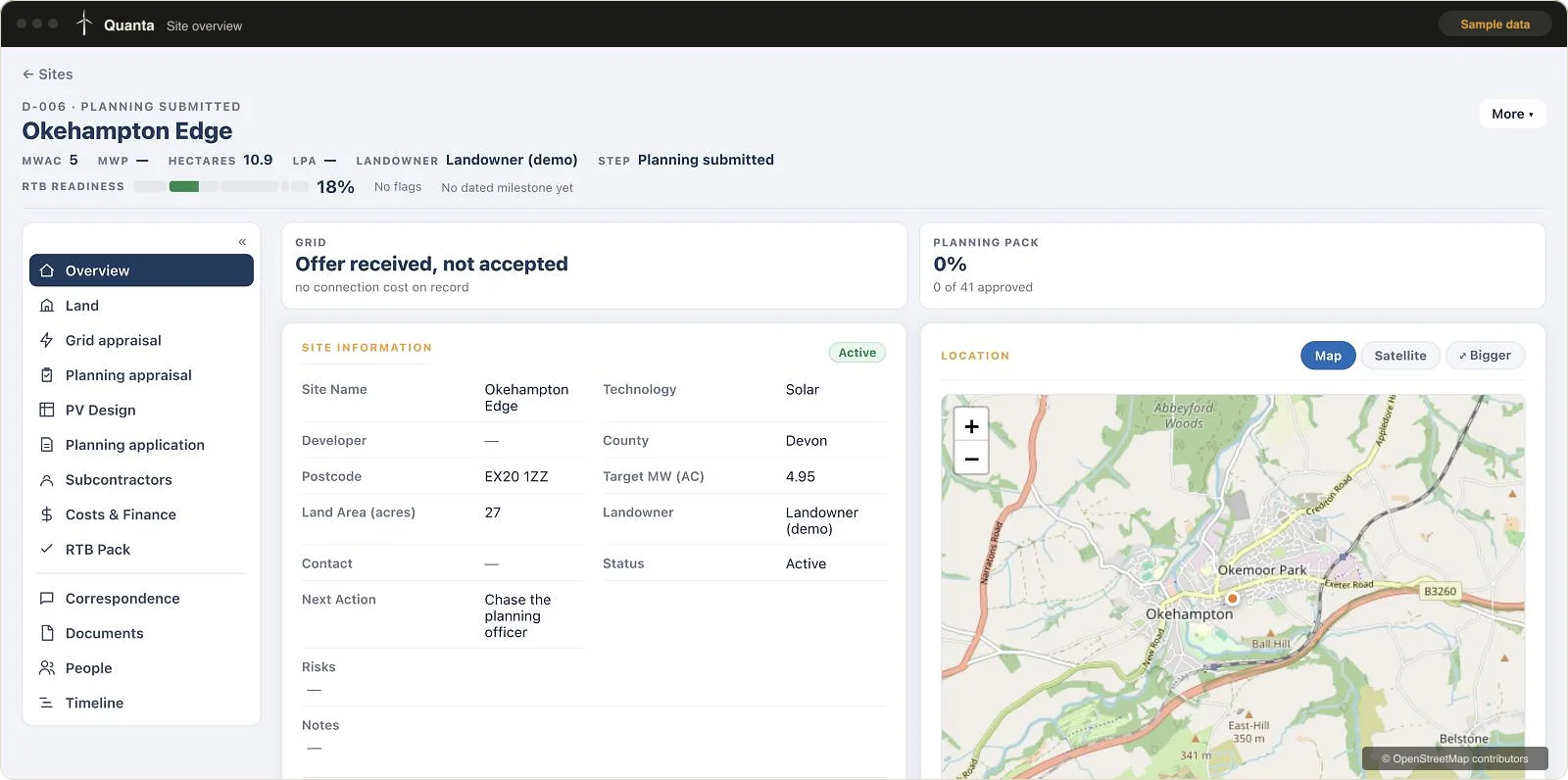
Early-stage solar still runs on spreadsheets.
Sites in one file. Landowner notes in another. Grid paperwork in a third. It's slow, it's easy to lose track, and good sites slip away.
We've done the job ourselves, so we built the tools we wanted. Less admin, faster decisions, and more time spent on the sites that matter.
Six tools. One platform.
Each one takes hours of manual work off your plate. Use them together or on their own.
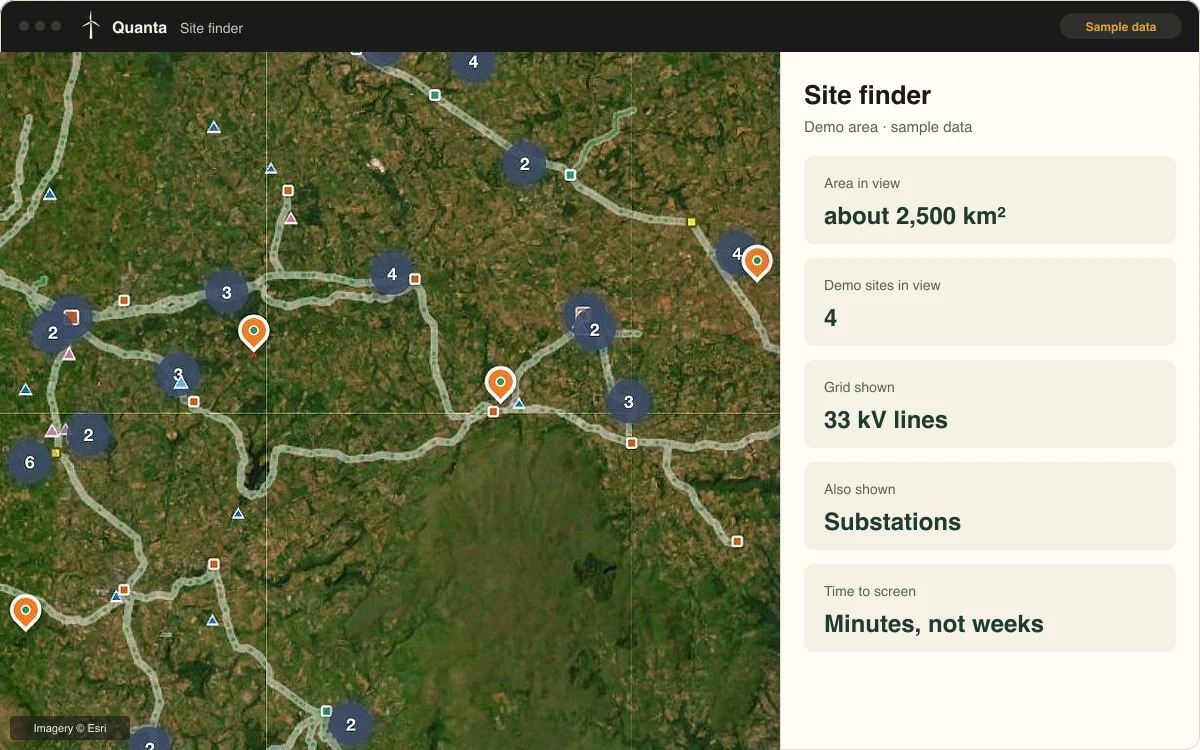
Site finding
Find viable land faster.
- Screen large areas in minutes, not weeks
- See the grid network and land together
- Shortlist sites before paying for surveys
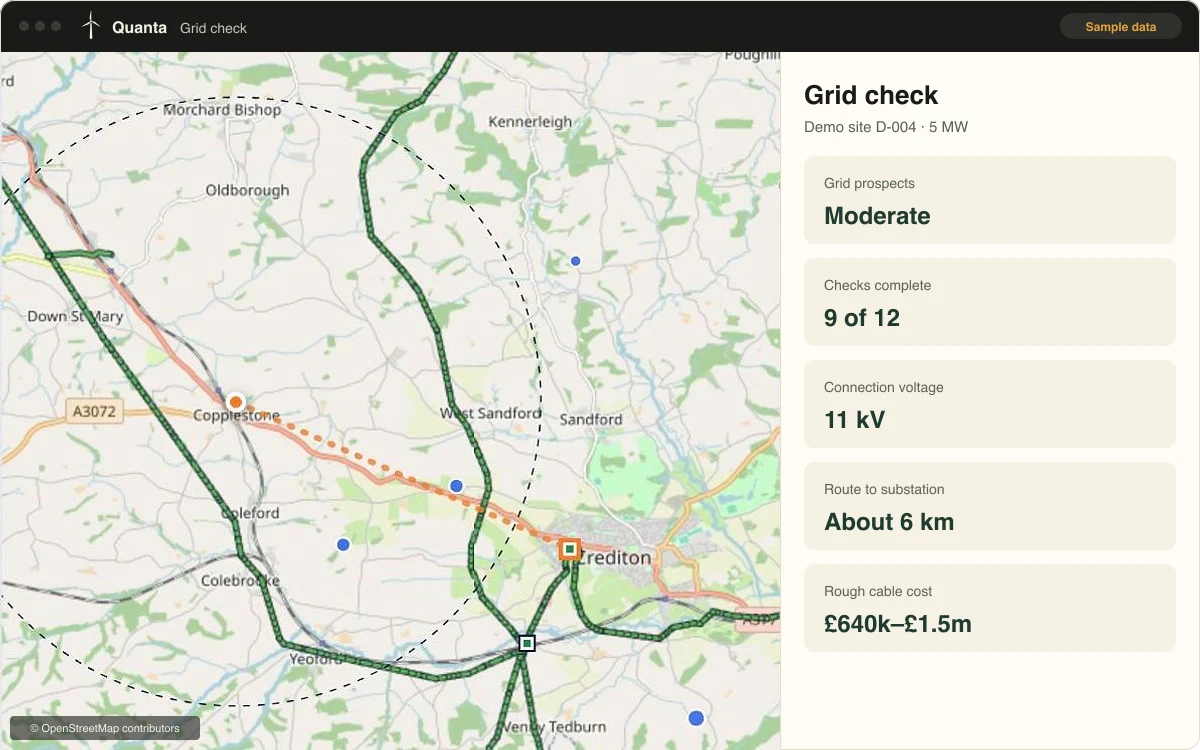
Grid check
Know your grid chances early.
- A clear grid verdict for every site
- Alerts when the grid picture changes
- Know where you stand before you spend
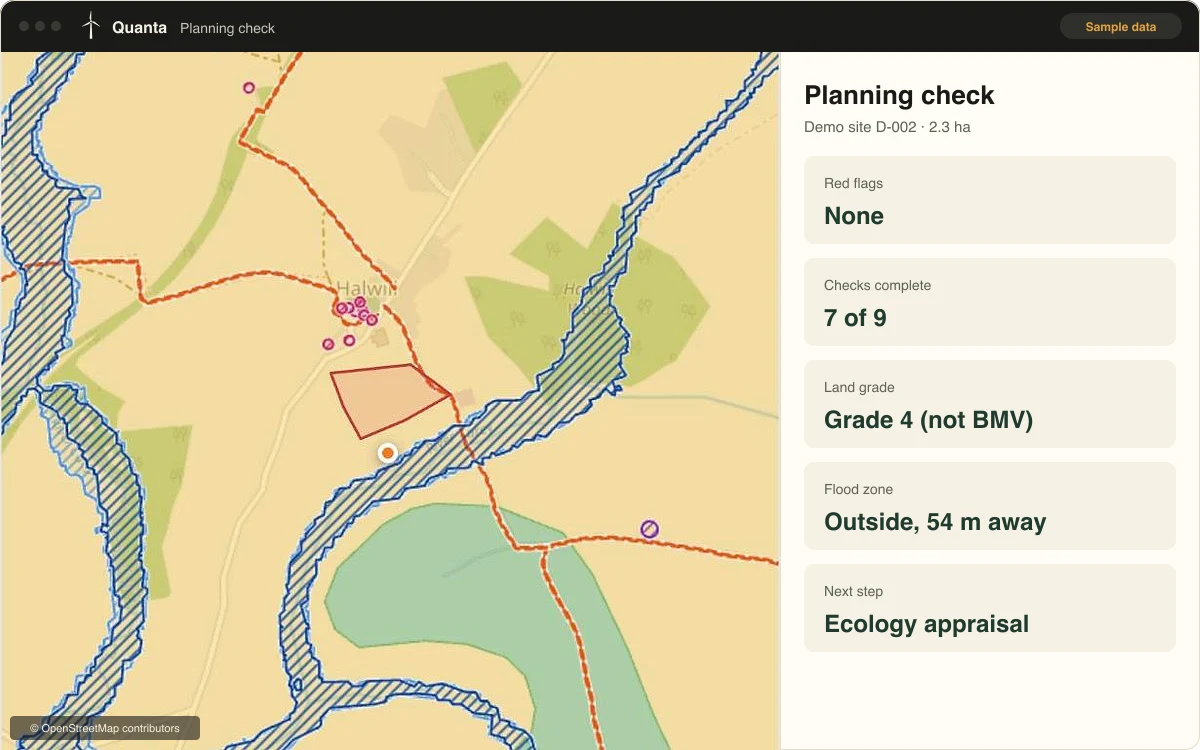
Planning check
Spot planning risks before you commit.
- A planning verdict for every site
- See what's around the site at a glance
- Know how the local council treats solar
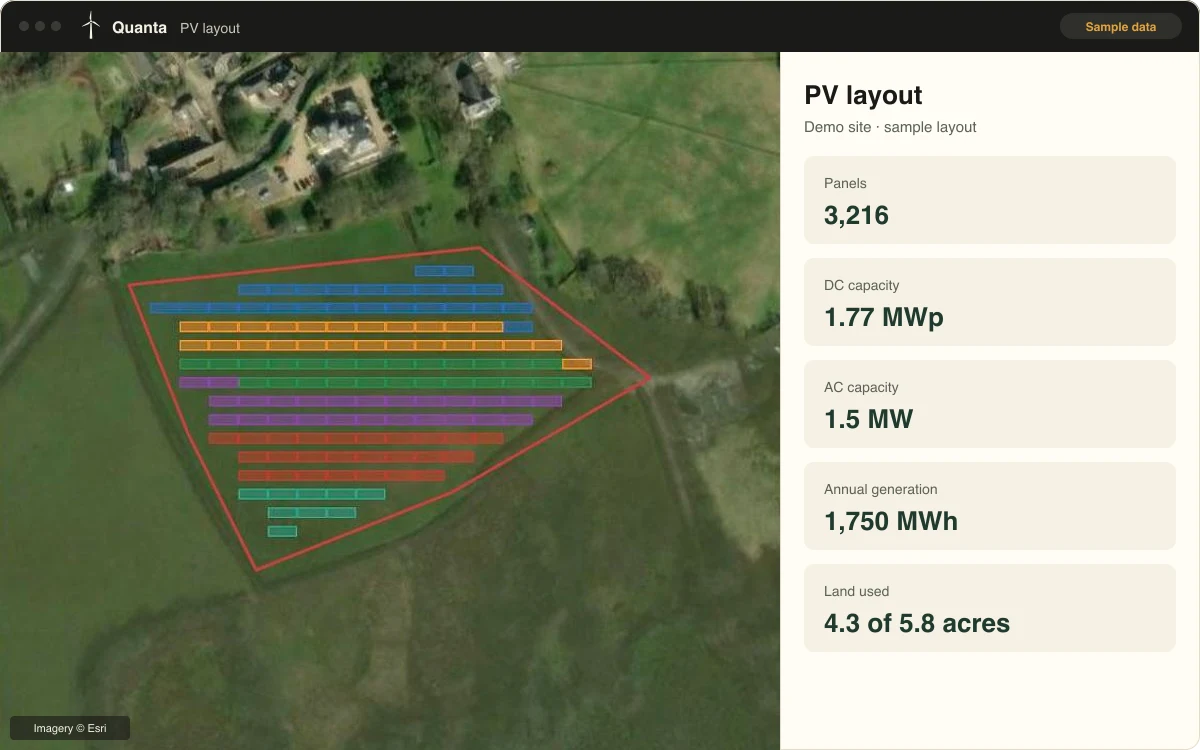
Solar design
Layouts and yield in minutes.
- Draw arrays straight onto satellite imagery
- Instant panel counts and annual generation
- Test options before paying for full design
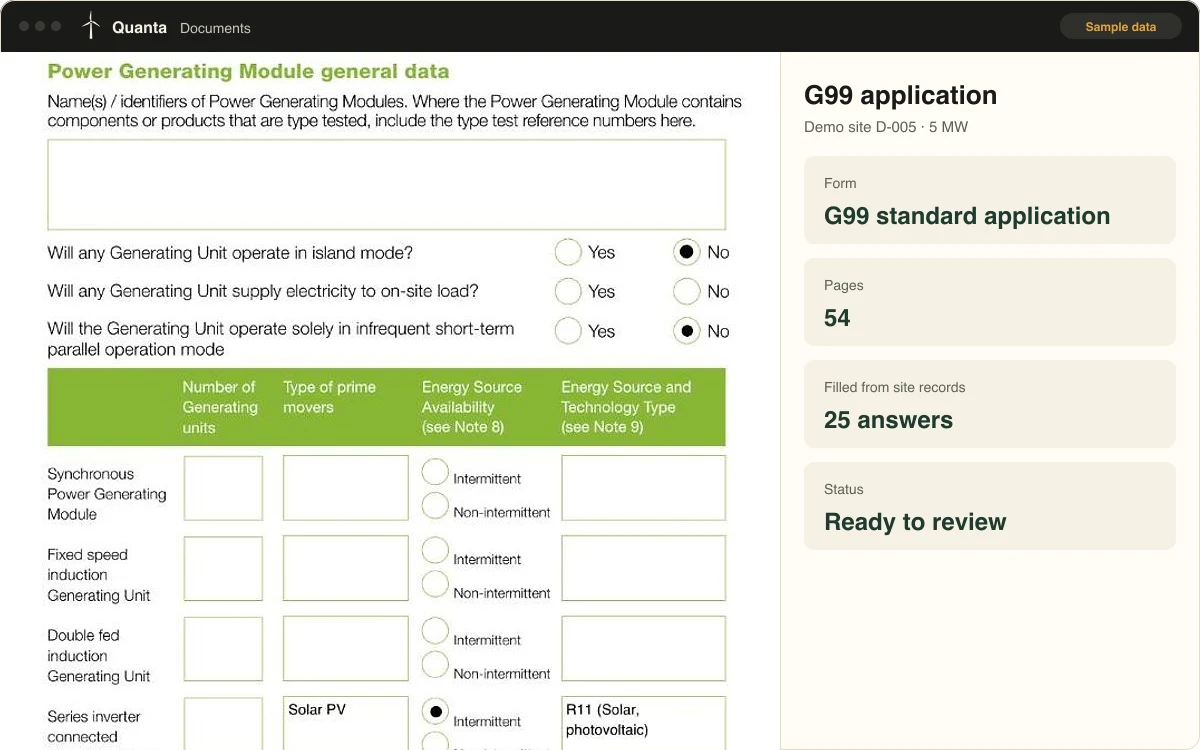
Document generation
G99 and planning paperwork, drafted for you.
- G99 application forms filled from your site records
- Planning documents drafted, ready to review
- Nothing goes out until you approve it
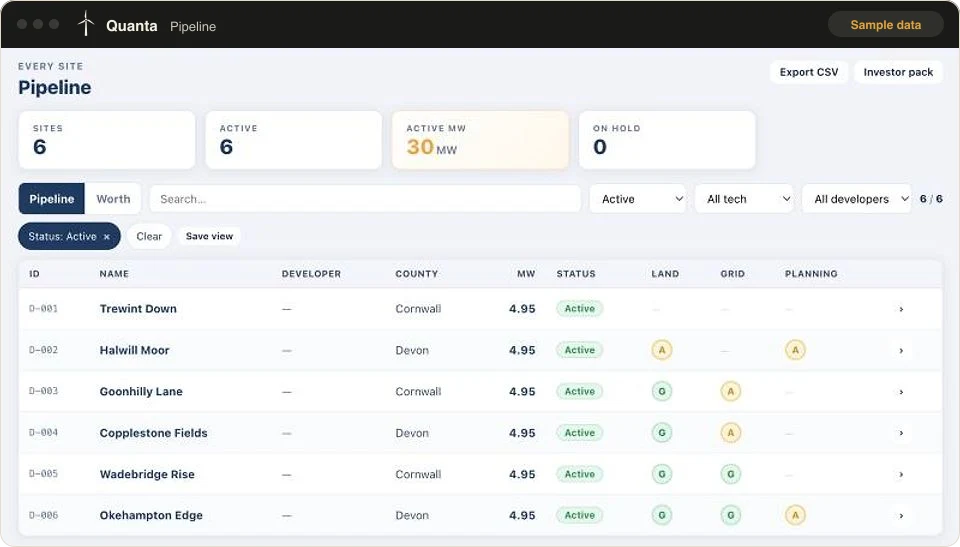
Pipeline and project management
Every site, contractor and email in one place.
- Track every site from first contact to RTB
- Manage subcontractors and their work
- Emails linked to the right site automatically
The tool screens are real, using sample data from a demo company. Book a demo to see it live.
Made for the people who get sites built.
Solar developers
Find, track and progress more sites with the same team.
Funders and investors
A clear, up-to-date view of every site in a pipeline.
Development consultants
Faster screening, layouts and grid paperwork across every client site.
- Pipeline managed on the platform
- 160MW
See it working.
A 30-minute live demo on a call.